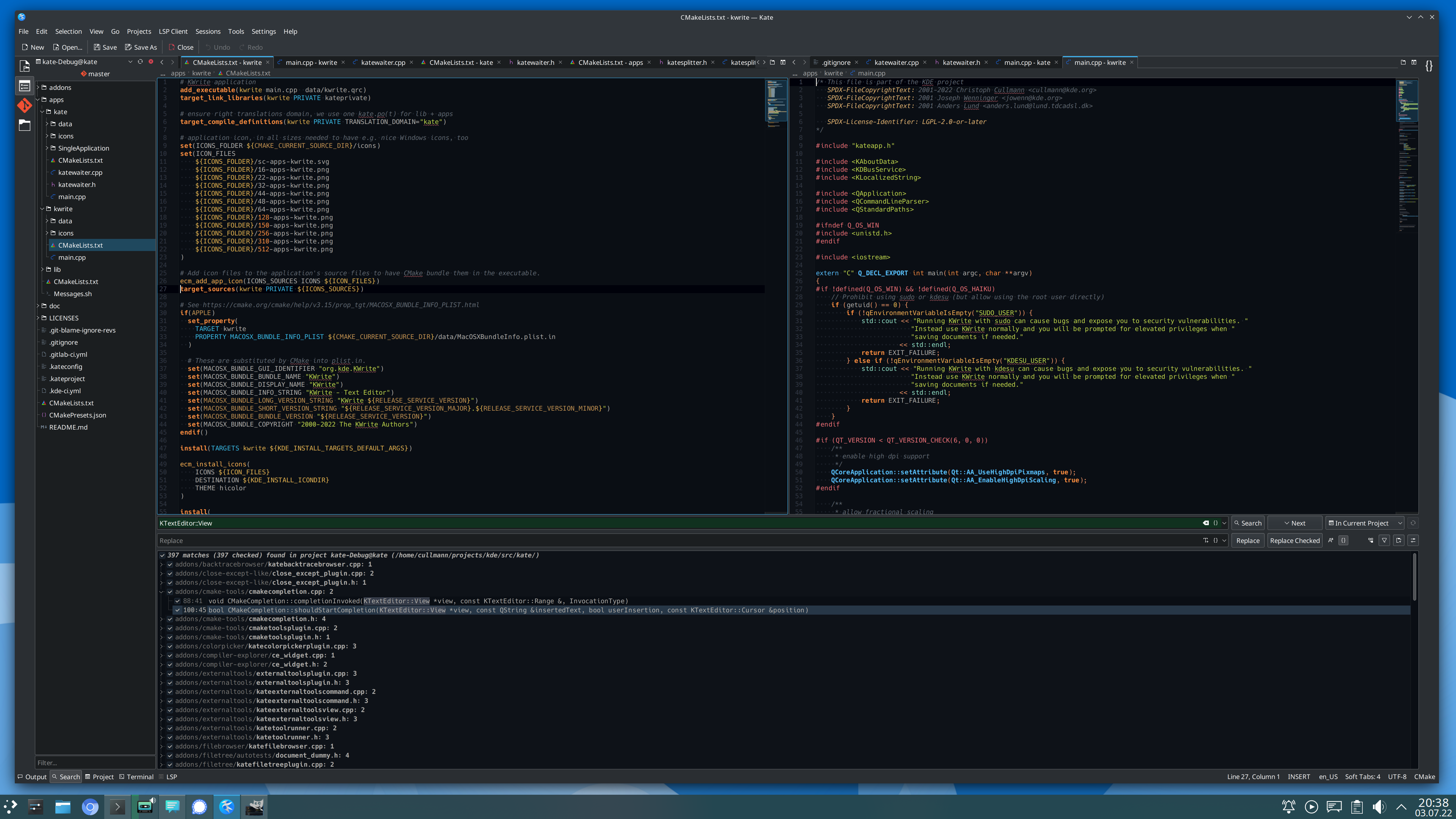
Kate is packed with features that will make it easier for you to view and edit all your text files. Kate lets you to edit and view many files at the same time, both in tabs and split views, and comes with a wide variety of plugins, including an embedded terminal that lets you launch console commands directly from Kate, powerful search and replace plugins, and a preview plugin that can show you what your MD, HTML and even SVG will look like.
Features:
- View and edit multiple documents at the same time, by splitting horizontally and vertically the window
- Lot of plugins: Embedded terminal, SQL plugin, build plugin, GDB plugin, Replace in Files, and more
- Multi-document interface (MDI)
- Session support
- Encoding support (Unicode and lots of others)
- Bi-directional text rendering support
- Line ending support (Windows, Unix, Mac), including auto detection
- Network transparency (open remote files)
- Extensible through scripting
- Bookmarking system (also supported: break points etc.)
- Scroll bar marks
- Line modification indicators
- Line numbers
- Code folding
- Highlighting support for over 400 languages
- Bracket matching
- Smart on-the-fly spell checking
- Highlighting of selected words
- Highlighting support for over 400 languages
- Bracket matching
- Smart on-the-fly spell checking
- Highlighting of selected words
- Incremental search, also known as “find as you type”
- Support for multiline search & replace
- Regular expression support
- Search & replace in multiple opened files or files on disk
- Backups on save
- Swap files to recover data on system crash
- Undo / redo system
This script also installs kwrite.
Screenshots